


CALL NOW



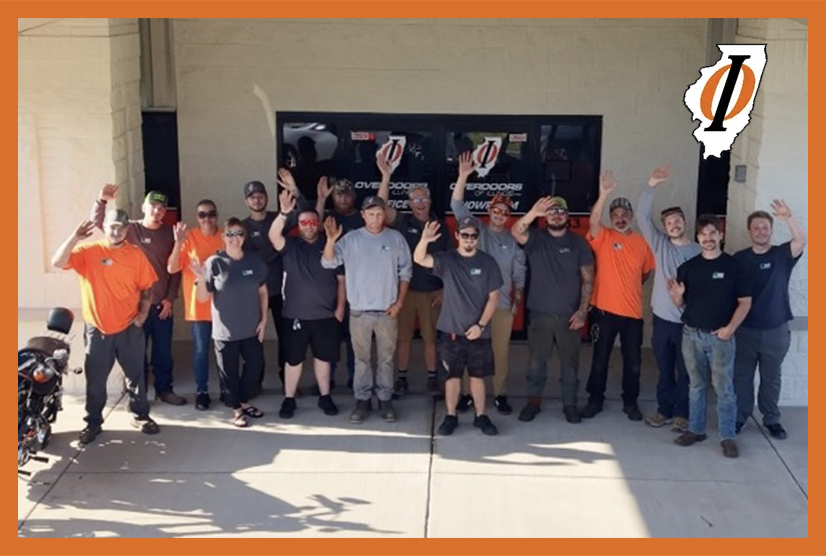
At Overdoors of Illinois, we deliver reliable, high-quality garage door solutions with transparent communication, professional guidance, and expert service—standing behind every job with a commitment to excellence.
PHONE NUMBER
708-798-6768
800-300-6768
815-469-8188
FAX
708-798-7990
ADDRESS
9233 GULFSTREAM ROAD,
FRANKFORT, ILLINOIS 60423
© 2026 Overdoors of Illinois, Inc. Garage Door Repair Frankfort, "We Sell The Best and Service The Rest Since1954". Designed by 2A Marketing.
Accessibility